Skywork AI: Your GTM Deck Team, Minus the Team
Skywork AI turns a rough brief into an investor deck, a launch page, or an outreach video in one sitting, no freelance designer, no Canva subscription stack.
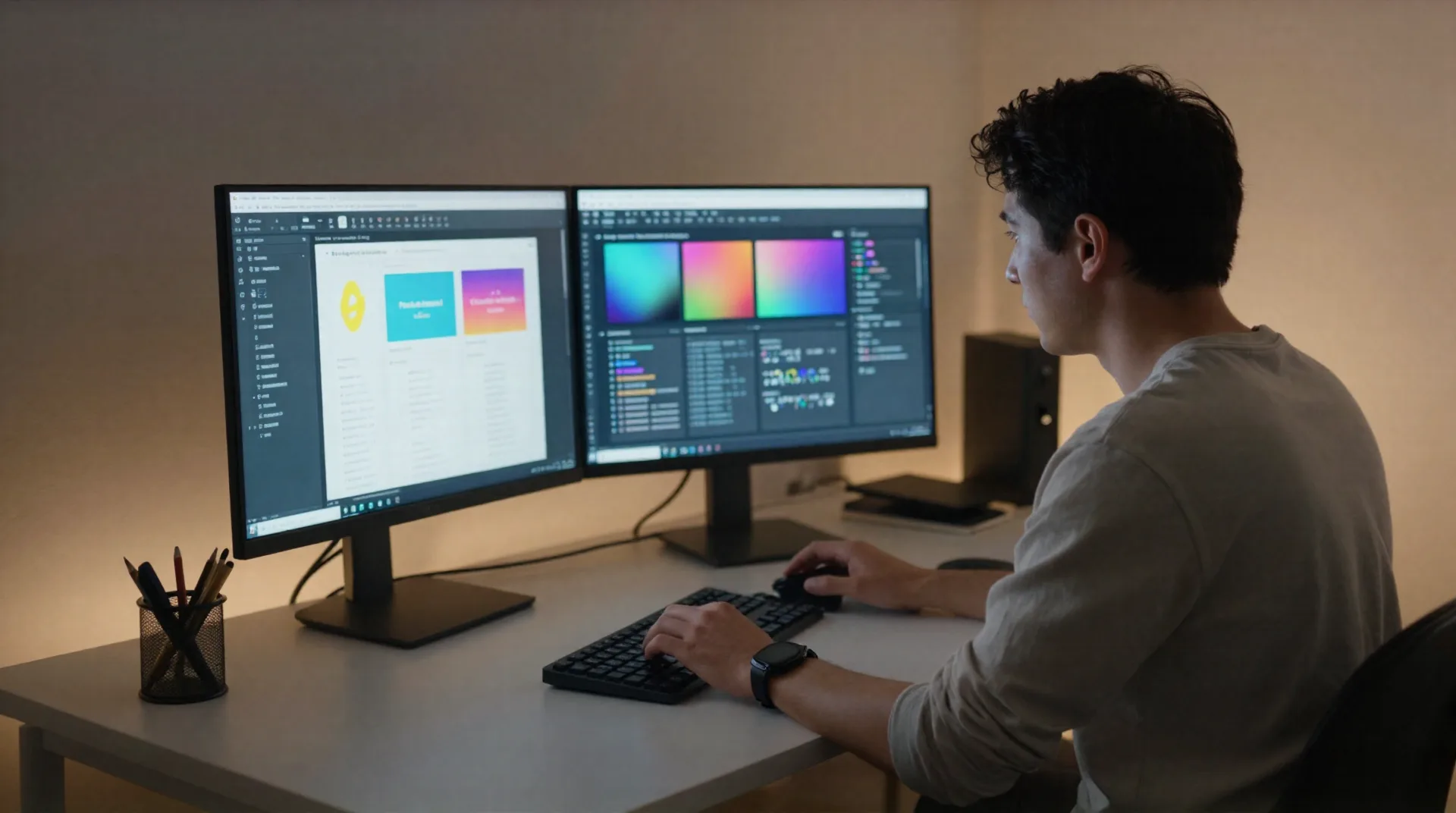
Seven agents, one brief, zero handoff delay
Every GTM motion needs the same five artifacts: deck, one-pager, landing page, outreach video, and a research-backed narrative. Skywork AI covers all five from a single prompt thread.
Images agent
Runs on Nano Banana Pro. Produces on-brand hero shots and social assets without a stock-photo search.
Slides agent
Two modes: Creative for investor-ready visuals, Professional with Deep Research for slides that cite real sources.
Documents agent
One-pagers, cold outreach templates, and data room memos exported straight to DOCX or PDF.
Websites agent
Spins up a launch page or a Product Hunt landing page from the same brief you used for the deck.
Video agent
Turns a script into a short outreach or investor-update video without a separate editing tool.
Layer Splitting
Every generated image keeps editable layers, so you fix one element instead of regenerating the whole asset.
From brief to shipped asset in four steps
This is the sequence a solo GTM lead runs before a launch or an investor call, not a generic AI-tool checklist.
-
1
Drop the brief
Paste your positioning, the round you are raising, or the launch date. Skywork AI reads it once and holds it across every agent you use next.

-
2
Pick Creative or Deep Research mode
Creative mode for a fast investor deck. Deep Research mode when the slide needs a cited market-size number, not a guess.
-
3
Review and edit layers
Layer Splitting lets you swap a chart or a headshot on one slide without regenerating the other eleven.
-
4
Export and ship
Pull the deck, the one-pager, and the landing page from the same session, so the numbers and the narrative actually match across all three.

The seed deck you'd otherwise pay a freelancer $800 for
Deep Research mode pulls citations from Google Scholar and Wikipedia into your market-size and competitive-landscape slides, so the deck holds up when an investor asks where the number came from. Professional mode keeps the layout restrained: no gradient overload, no stock icon set.
- Cited market-sizing slide in Deep Research mode
- Layer Splitting to swap a logo or a chart without a full re-render
- DOCX/PDF export for the data room
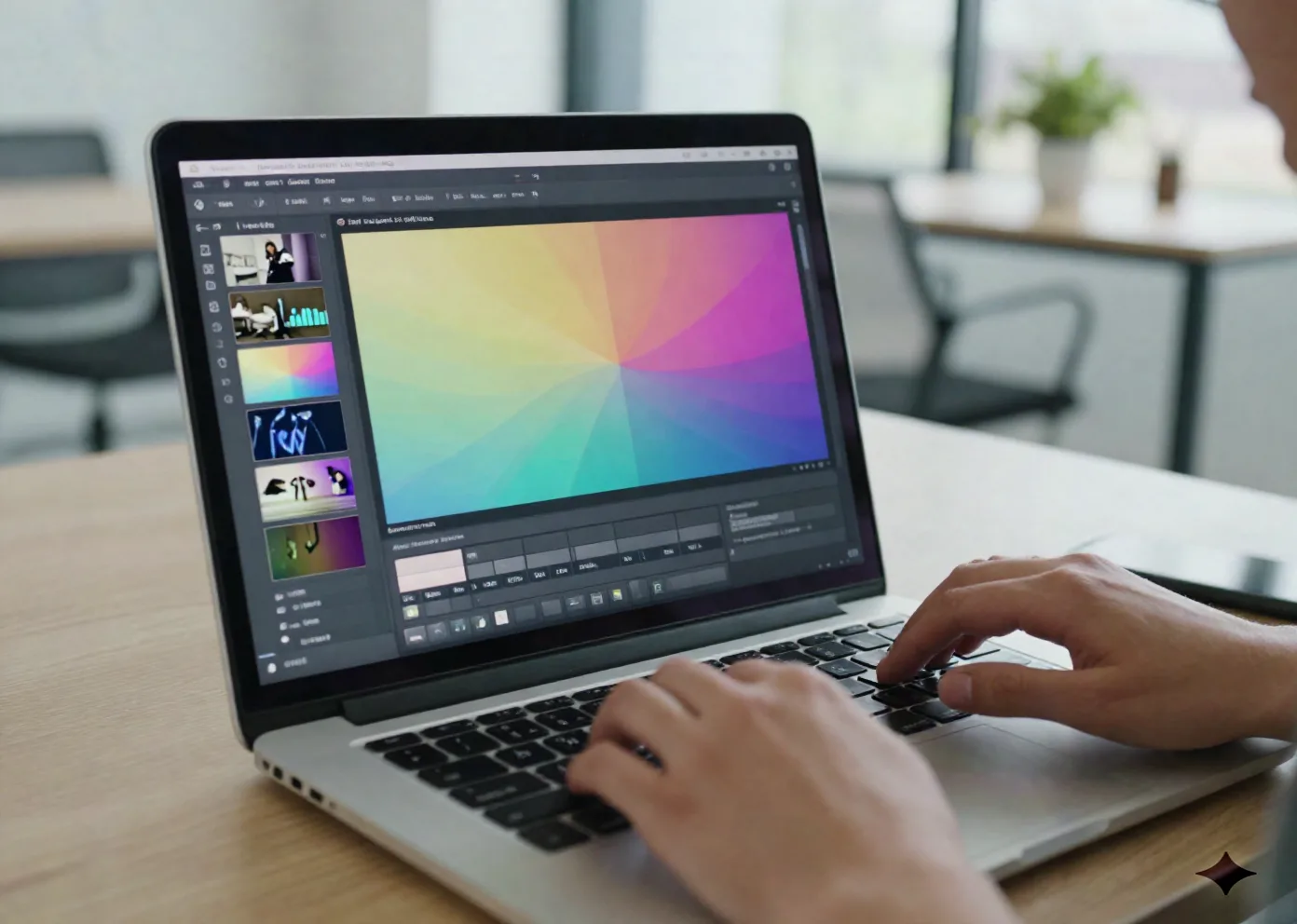
A launch page live before your Product Hunt slot opens
The Websites agent reuses the same brief and image set as your deck, so the landing page matches the pitch instead of looking like it came from a different tool. It is MVP-grade, good enough for a launch page or a waitlist, not a Webflow replacement for your marketing site.
- Landing page generated from the same brief as your deck
- Inspiration Capture bot saves color and type references from screenshots you send over WhatsApp or Discord
- One export path for deck, one-pager, and page

Free tier to test it, Pro when you ship weekly
Skywork AI publishes its pricing directly, no quote call required for the Pro tier.
Free
for testing the workflow on a single asset
- 500 credits per day
- Access to all 7 agents
- Creative slide mode
- No commercial usage rights
Pro
or ~$12.49/mo billed annually
- 7,000+ credits per month
- Deep Research mode with cited sources
- Commercial usage rights
- Higher-resolution DOCX/PDF export limits
- Layer Splitting and Inspiration Capture
- Code BEYROUTI takes 20% off
Questions founders ask before switching
Is Skywork AI actually free, or is that a trial?
Does Skywork AI replace a real designer for a Series A deck?
What does Deep Research mode actually cite?
Can I use the same brief for the deck, the one-pager, and the landing page?
How does Layer Splitting work?
Is the website agent good enough for our real marketing site?
What's Inspiration Capture?
Ship the deck this week, not next month
Start on the free tier, test the Deep Research slide mode on your own market data, upgrade only once you're exporting weekly.